
Ergonomics for Joint Health: Simple Workstation and Posture Tips That Actually Work

Dec, 25 2025
Why Your Joint Pain Isn’t Just "Aging"
Every morning, you sit down at your desk. Your shoulders hunch. Your wrists bend. Your neck cranes toward the screen. By lunch, your wrists ache. By 4 p.m., your lower back feels like it’s been hammered. You tell yourself it’s just stress-or getting older. But it’s not. It’s your workstation.
More than 6 out of 10 office workers suffer from work-related joint pain. Not because they’re weak. Not because they’re lazy. But because their chairs, desks, and monitors are set up like they’re designed for someone else’s body. And if you’re working from home, chances are you’re using a kitchen chair, a coffee table, and a laptop propped on a stack of books. That’s not a workspace. That’s a pain factory.
The good news? You don’t need a $2,000 chair or a fancy standing desk to fix this. You just need to understand how your body was meant to move-and then adjust your space to match it.
Your Body’s Perfect Posture (And Why You’re Not Using It)
Your joints aren’t built to bend, twist, or hold still for hours. They’re built to move. But when you sit with your shoulders rolled forward, your wrists bent up, or your head jutting out like a turtle, you’re putting pressure on tendons, nerves, and discs that weren’t designed to handle that load.
Here’s what neutral posture actually looks like:
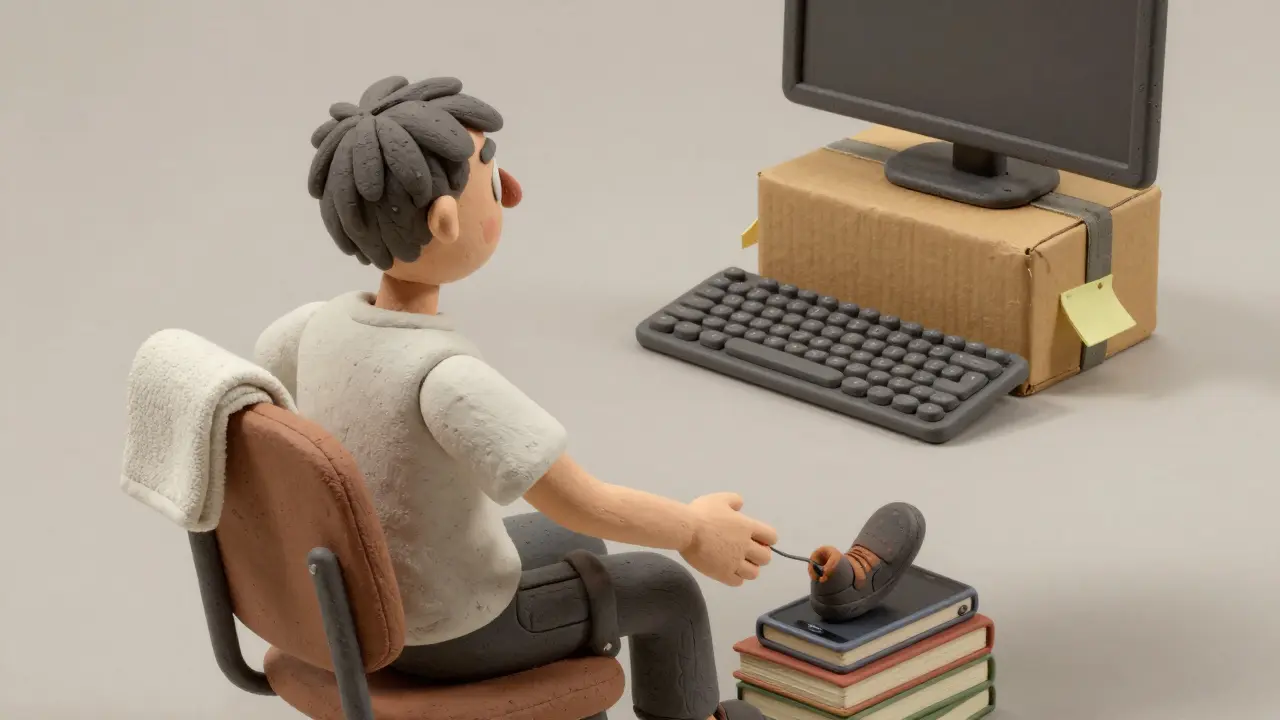
- Feet flat on the floor, knees at 90 degrees. If your feet don’t reach, use a book or footrest. No dangling legs.
- Elbows at 90-110 degrees, close to your sides. Your arms should hang like you’re holding a light backpack-not reaching for your keyboard.
- Wrists straight, not bent up or down. Think of them as a bridge. If you’re bending the bridge, you’re crushing the road underneath.
- Screen at eye level, but not too close. The top of your monitor should be just below your eyebrows. If you have to look up, your neck pays the price. If you have to lean in, your shoulders do.
- Back supported at the curve of your lower spine. That’s not a suggestion-it’s a biological requirement. Your L3-L4 vertebrae need support, or your discs get squeezed.
It sounds simple. But most people get it wrong because they’re following vague advice like "just sit up straight." That’s not enough. You need alignment. And that starts with your chair.
How to Adjust Your Chair (Even If It’s Not "Ergonomic")
You don’t need a Herman Miller to get this right. But you do need to know how to use what you’ve got.
Start with the height. Sit down. Slide your chair forward until your thighs are parallel to the floor. Your knees should be level with or slightly below your hips. If your feet are hovering, grab a phone book or a small box. No excuses.
Now check your back. Most chairs have a lumbar support knob or pad. Slide it up until it presses into the small of your back-not your ribs, not your tailbone. That’s the L3-L4 area. If you can’t feel it pushing gently into your spine, it’s too low. If it’s digging into your ribs, it’s too high.
Arms? If your chair has armrests, adjust them so your shoulders are relaxed. If you can shrug your shoulders while your arms rest on them, they’re too high. If your arms dangle, they’re too low. Your elbows should rest naturally, not pulled up or stretched out.
And here’s a trick most people miss: sit all the way back. Don’t perch on the edge. Your spine needs the full support of the chair’s backrest. If your chair doesn’t go back far enough, try rolling a small towel and tucking it behind your lower back. It’s not fancy, but it works.
Monitor, Keyboard, and Mouse: The Big Three
Your monitor is your eyes’ best friend-or worst enemy.
Place it 20 to 30 inches away. That’s about arm’s length. Too close? You strain your eyes. Too far? You lean in, and your neck follows. The top of the screen should be at or just below eye level. Use the fist test: hold your fist vertically under your eyes. The top of your monitor should be at the same height as your fist.
Now the keyboard. If you’re using a standard flat keyboard, you’re bending your wrists upward by 30-45 degrees. That’s bad. You want them as flat as possible. Try a negative tilt-tilt the back of the keyboard slightly down so your wrists stay neutral. If you don’t have a keyboard with tilt, prop the back up with a stack of sticky notes. It’s crude, but it reduces carpal tunnel pressure by nearly half.
Mouse placement? Keep it right next to the keyboard. No reaching. If you have to extend your arm, you’re activating shoulder muscles that should be resting. A vertical mouse? Even better. Studies show it cuts wrist strain by 30%. It takes a week to get used to, but your thumb and wrist will thank you.
Standing Desks: Magic or Myth?
Standing desks aren’t magic. They’re tools. And like any tool, they can make things worse if used wrong.
When you stand, your spine still needs alignment. Your monitor should still be at eye level. Your elbows still need to be at 90-110 degrees. If you’re standing with your arms stretched forward, you’re just creating new pain.
The real benefit? Movement. Sitting for 8 hours straight is worse than smoking. Standing for 8 hours straight? Also bad. The sweet spot? Alternate. Stand for 20-30 minutes, sit for 30-40. Do that every hour. You don’t need a fancy motorized desk. A stack of books and a sturdy box can work. Just move.
Research shows that people who use sit-stand desks correctly reduce lower back pain by 32%. But here’s the catch: only 1 in 4 people actually use them right. Most just stand there, leaning on the desk, slouching, or shifting weight to one leg. That’s not ergonomics. That’s just standing in pain.
The 5-Minute Fix That Most People Ignore
It’s not the chair. It’s not the monitor. It’s the breaks.
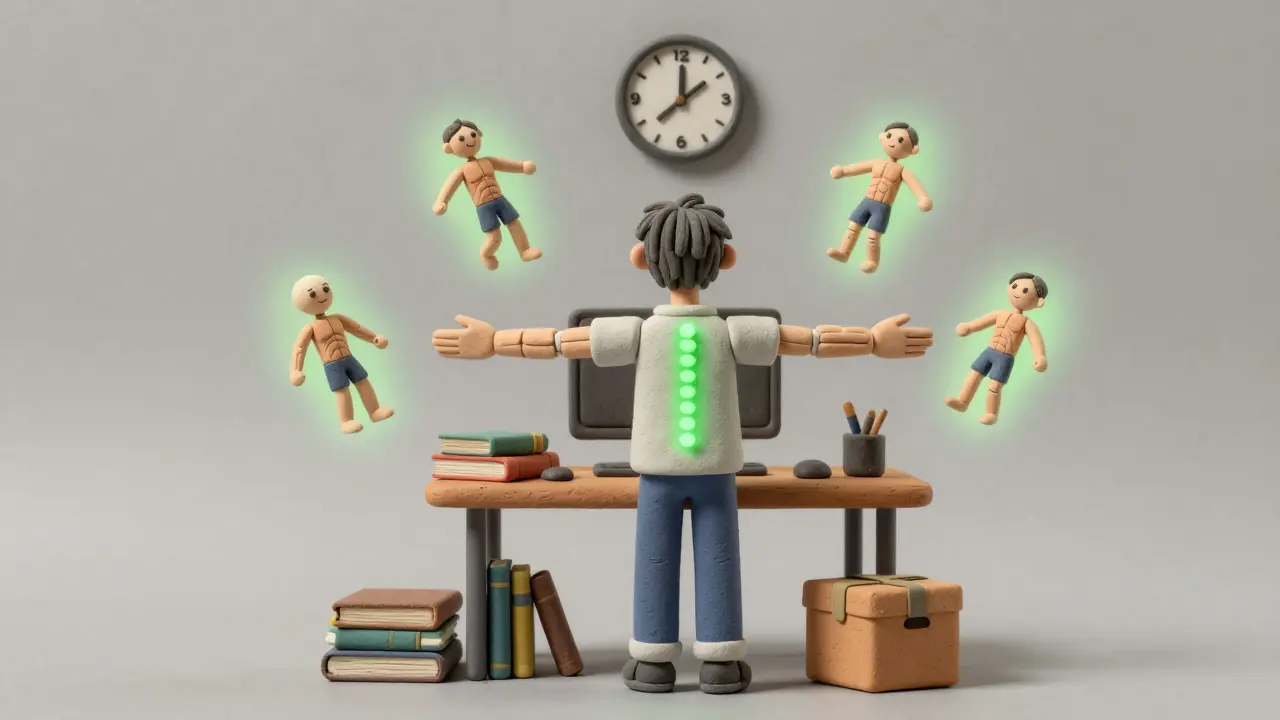
Every 30 minutes, stop. Stand up. Stretch. Walk to the window. Look at something 20 feet away for 20 seconds. Do a few shoulder rolls. Shake out your wrists. That’s it.
The American Physical Therapy Association says microbreaks like this reduce joint stress by 28%. That’s not a suggestion. That’s a medical recommendation.
Why? Because your muscles don’t just fatigue. They tighten. Your tendons get compressed. Your nerves get irritated. A 30-second break every half hour resets all of that. You don’t need an app. You don’t need a timer. Just remember: if you haven’t moved in 30 minutes, you’re hurting yourself.
What Not to Do (And What People Always Get Wrong)
Here are the top mistakes, straight from real users:
- "My monitor is at eye level, but my neck still hurts." You’re looking up. The top of the screen should be at or below eye level. If you’re looking up, you’re straining your neck. Lower it.
- "I bought an ergonomic chair, but it still hurts." You didn’t adjust it. 89% of people who report pain after buying expensive gear didn’t tweak the lumbar support or seat depth.
- "I use a laptop on my lap." Don’t. Your neck bends. Your wrists bend. Your spine twists. If you must use a laptop, get a $15 laptop stand and a separate keyboard and mouse.
- "I don’t have space." You don’t need a whole office. A corner of your living room, a kitchen table with a rolled towel behind your back, a book under your feet-that’s enough.
Most people think ergonomics means buying stuff. It doesn’t. It means adjusting what you have to fit your body. That’s it.
Real Results: What Happens When You Do This Right
One Reddit user, after 8 years of chronic lower back pain, switched to a properly adjusted chair. Within 6 weeks, his pain dropped from 7/10 to 2/10. He didn’t take pills. He didn’t get surgery. He just moved his lumbar support up 2 inches.
A 2022 Arthritis Foundation survey of over 3,400 people found that 83% saw joint pain reduce within 6-8 weeks of fixing their workstation. Not everyone. But most.
Companies that invest in ergonomics see a 27% drop in pain intensity and a 17.8% boost in productivity. The return? $4.10 for every $1 spent. That’s not just about comfort. It’s about staying healthy, working longer, and avoiding surgery down the line.
And it’s not just for office workers. Teachers, cashiers, writers, coders, remote workers-anyone who sits or stands for hours needs this.
Where to Start Today
You don’t need to overhaul your life. Start with one thing.
- Adjust your chair height so your feet are flat and your knees are at 90 degrees.
- Move your monitor so the top is at or below eye level.
- Place your keyboard and mouse so your elbows are bent at 90-110 degrees.
- Set a timer to stand up and stretch every 30 minutes.
- Check your wrists. Are they bent? Flatten them.
Do those five things. Today. Right now. Then sit back and feel the difference.
Ergonomics isn’t about perfection. It’s about progress. One small change. One day at a time. Your joints aren’t asking for much. Just a little respect.


